YOUR FIRST STEP
IT Professional Guide
A 12-step path for developers and IT staff: terminal, shell, GIT and VSCode first, then AI, Agent Skills and vibe coding. Run each command yourself, one at a time.
- Learning tools builds your problem-solving skills. Start by running one command yourself.
- With AI-generated code, understand how it works and run it yourself to check.
- Build small, improve, and keep notes. Finishing things yourself helps you grow as a developer.

A path for developers, operators and IT practitioners. Most tools run in a terminal and work inside a GIT . So you learn commands, the shell, GIT and an editor first, then add AI basics, the advanced track and prompting on top. At the end you write code together with AI.
- Who it's for
- Developers · server operators · IT professionals
- Estimated time
- 4 sessions a week · about 12 weeks
- Steps
- 12 steps 10 required
When you finish this guide, you can…
- work in a terminal: move files, connect commands with pipes and write small shell scripts.
- keep your work safe with GIT — , , undo, and open a (PR — a request to merge your changes).
- hand a coding task to an AI and review its changes as a before you keep them.
YOUR FIRST STEP
Learn in this order
- Required
- Optional
-
1
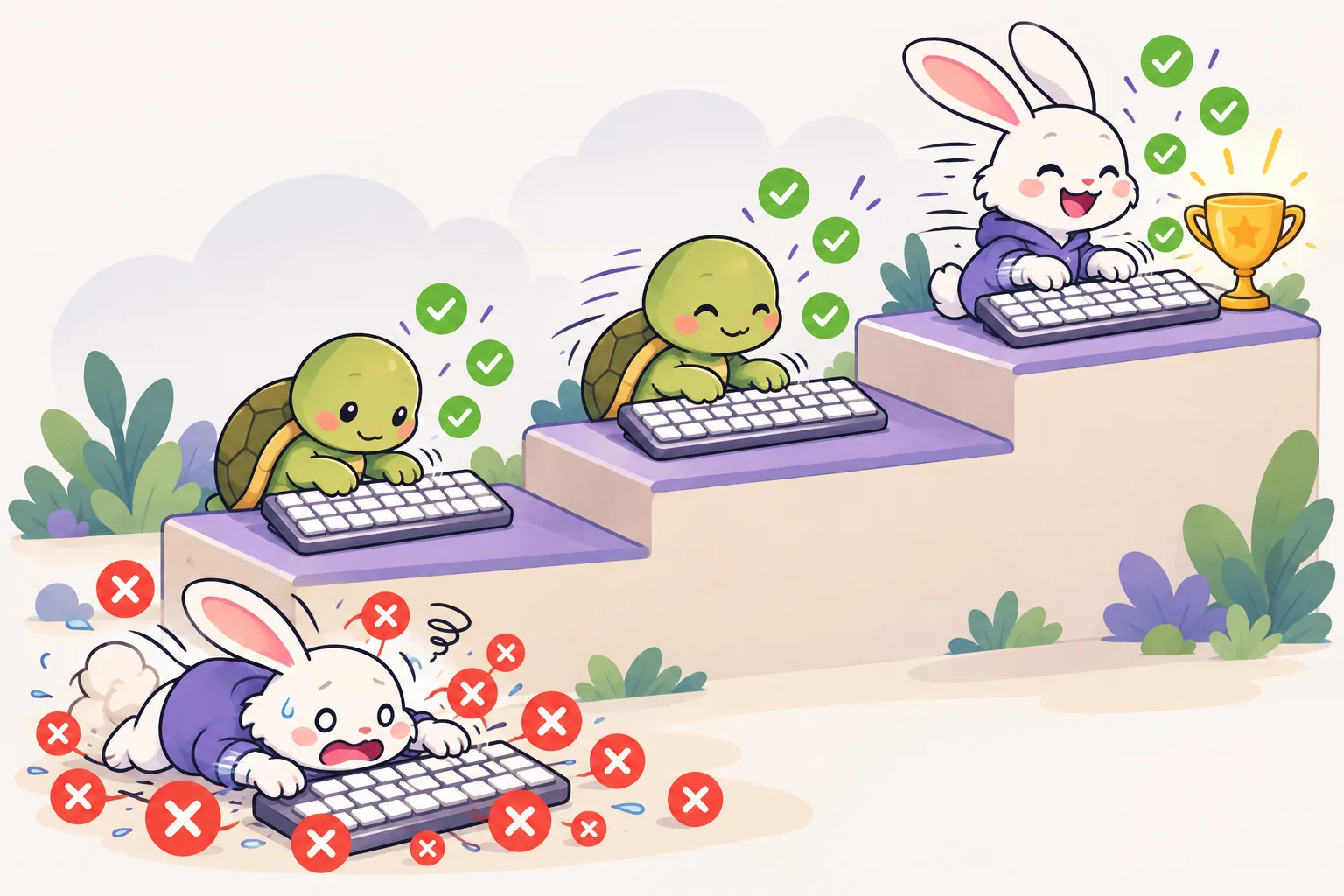 Keyboard practice
Optional
Skip it if you already type fast. But terminal work rewards accuracy over speed — a single typo can change an entire command. If you're not at 95% accuracy, it's worth a tune-up first.
Start
Keyboard practice
Optional
Skip it if you already type fast. But terminal work rewards accuracy over speed — a single typo can change an entire command. If you're not at 95% accuracy, it's worth a tune-up first.
Start
-
2
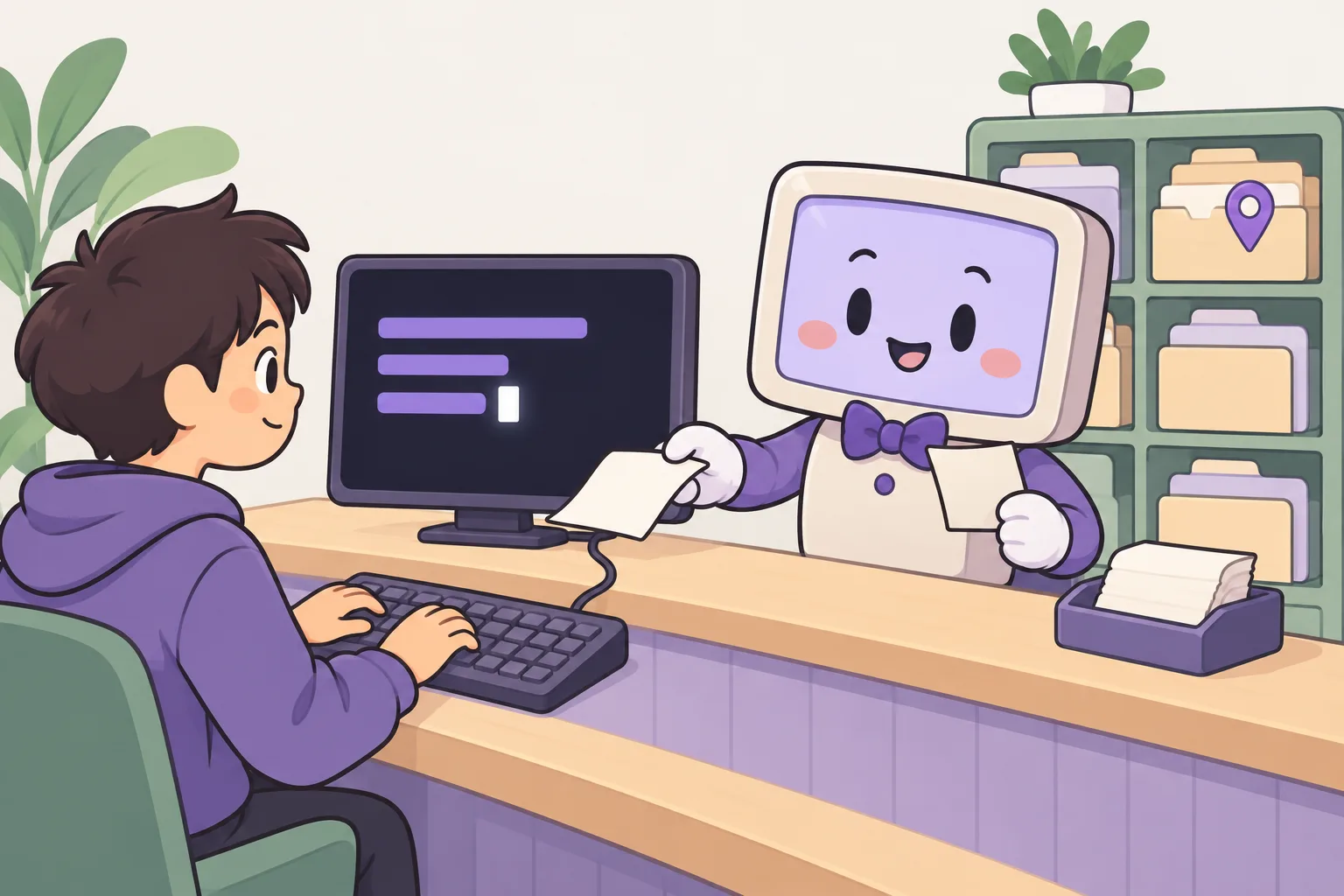 Terminal commands
Required
Required. Learn the basics — moving files, permissions, pipes, redirection — by typing them into a real Linux terminal that runs in your browser. Everything after this stands on it.
Start
Terminal commands
Required
Required. Learn the basics — moving files, permissions, pipes, redirection — by typing them into a real Linux terminal that runs in your browser. Everything after this stands on it.
Start
-
3
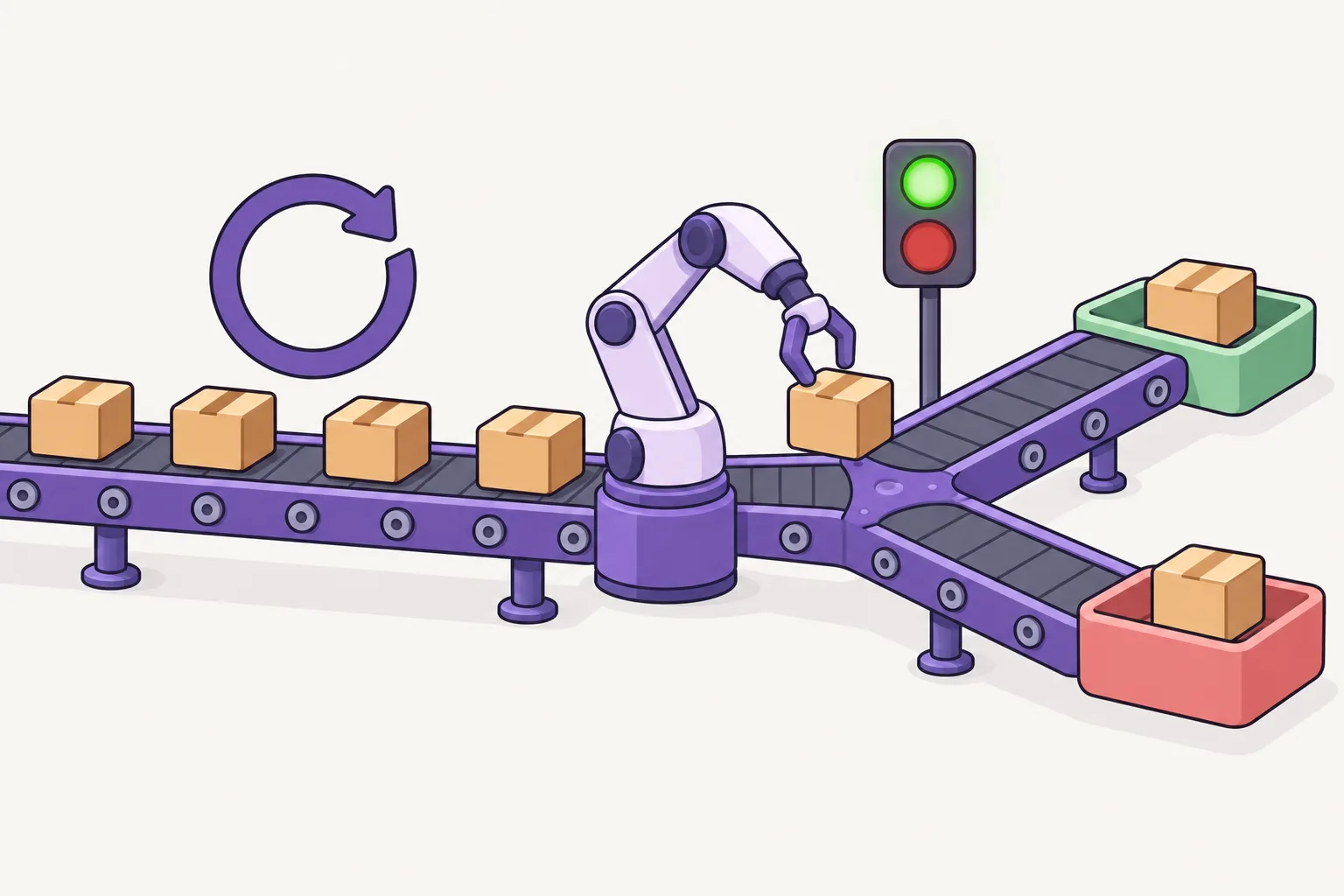 Shell programming
Required
Also required. Over thirteen lessons you go from variables, conditions, loops and functions to installing developer tools and regular expressions, so you can automate repeated work with scripts. Almost all of it works the same in zsh, the macOS default shell.
Start
Shell programming
Required
Also required. Over thirteen lessons you go from variables, conditions, loops and functions to installing developer tools and regular expressions, so you can automate repeated work with scripts. Almost all of it works the same in zsh, the macOS default shell.
Start
-
4
 GIT
Required
Before you hand code to an AI, you need a way to undo. Nine steps take you through commits, branches and pull requests, up to working as a team. Code an AI changed still gets reviewed as a diff and saved as a commit.
Start
GIT
Required
Before you hand code to an AI, you need a way to undo. Nine steps take you through commits, branches and pull requests, up to working as a team. Code an AI changed still gets reviewed as a diff and saved as a commit.
Start

-
5
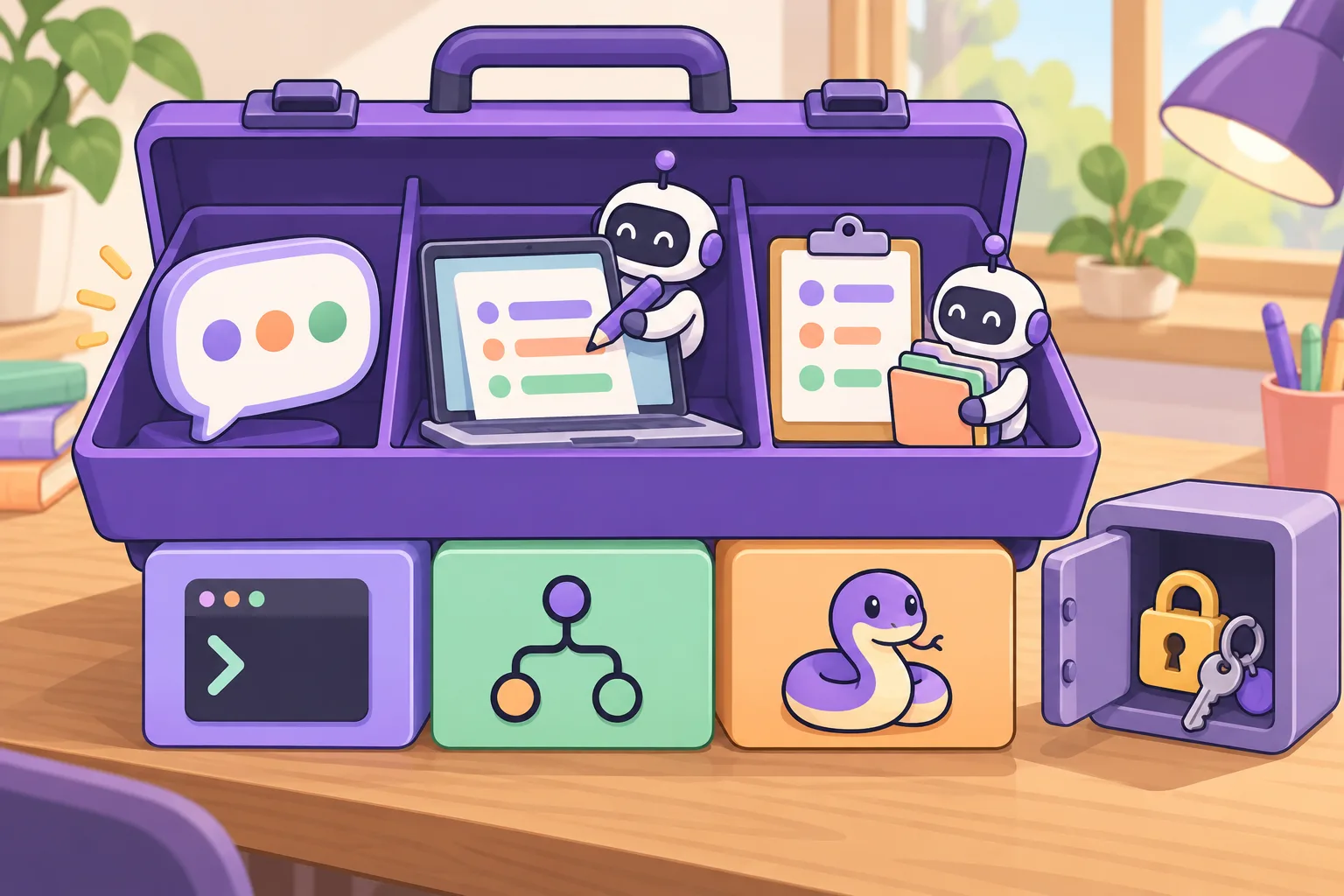 VSCode (Visual Studio Code)
Required
VS Code is a code editor where the terminal, Git and debugging sit on one screen. AI coding tools plug in as extensions, or run as separate apps and terminal tools. Here are the three best-known ones.
GitHub Copilot — suggests the next line as you type, and explains or edits code through chat. An easy place to start.
Claude Code — works both in the terminal and as an editor extension. It is an agent that reads files, edits them and even runs commands, so it is good for handing over a whole task.
Codex — OpenAI's coding agent. Give it a task, it hands back the changes as a diff, and you review them. Try all three and keep the one that fits your work.
Open site
VSCode (Visual Studio Code)
Required
VS Code is a code editor where the terminal, Git and debugging sit on one screen. AI coding tools plug in as extensions, or run as separate apps and terminal tools. Here are the three best-known ones.
GitHub Copilot — suggests the next line as you type, and explains or edits code through chat. An easy place to start.
Claude Code — works both in the terminal and as an editor extension. It is an agent that reads files, edits them and even runs commands, so it is good for handing over a whole task.
Codex — OpenAI's coding agent. Give it a task, it hands back the changes as a diff, and you review them. Try all three and keep the one that fits your work.
Open site
-
6
 Python
Required
Your first programming language. Nine short lessons cover the basics: printing, variables, conditions, loops, lists, functions and more. You run them and get them checked in the browser, with nothing to install. The advanced track handles a small model in Python, so learn to read code here first.
Start
Python
Required
Your first programming language. Nine short lessons cover the basics: printing, variables, conditions, loops, lists, functions and more. You run them and get them checked in the browser, with nothing to install. The advanced track handles a small model in Python, so learn to read code here first.
Start
-
7
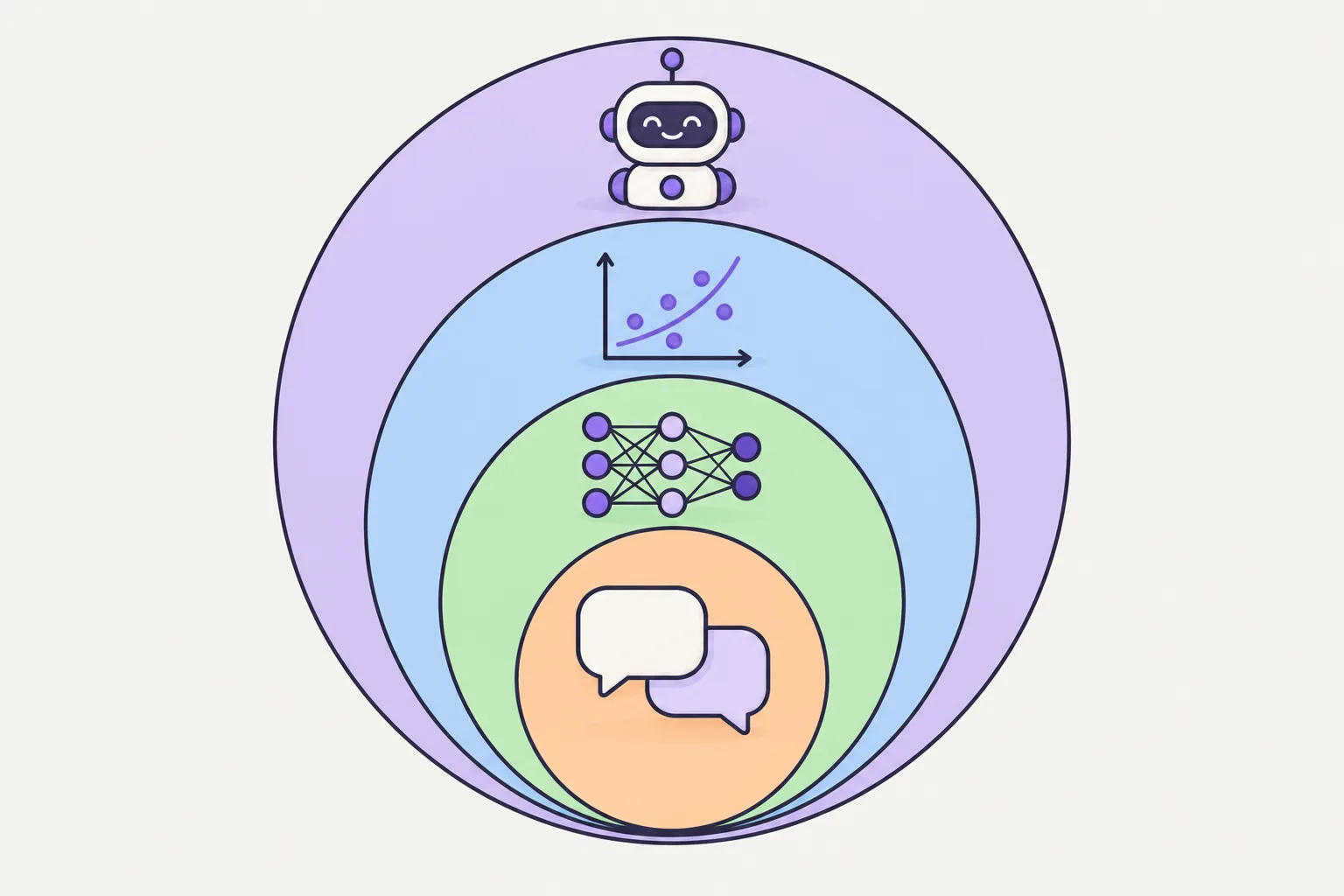 AI fundamentals
Required
Tools in hand, now get precise about what AI is. Once tokens, context, and models mean something concrete to you, the settings on every AI tool stop looking arbitrary.
Start
AI fundamentals
Required
Tools in hand, now get precise about what AI is. Once tokens, context, and models mean something concrete to you, the settings on every AI tool stop looking arbitrary.
Start
-
8
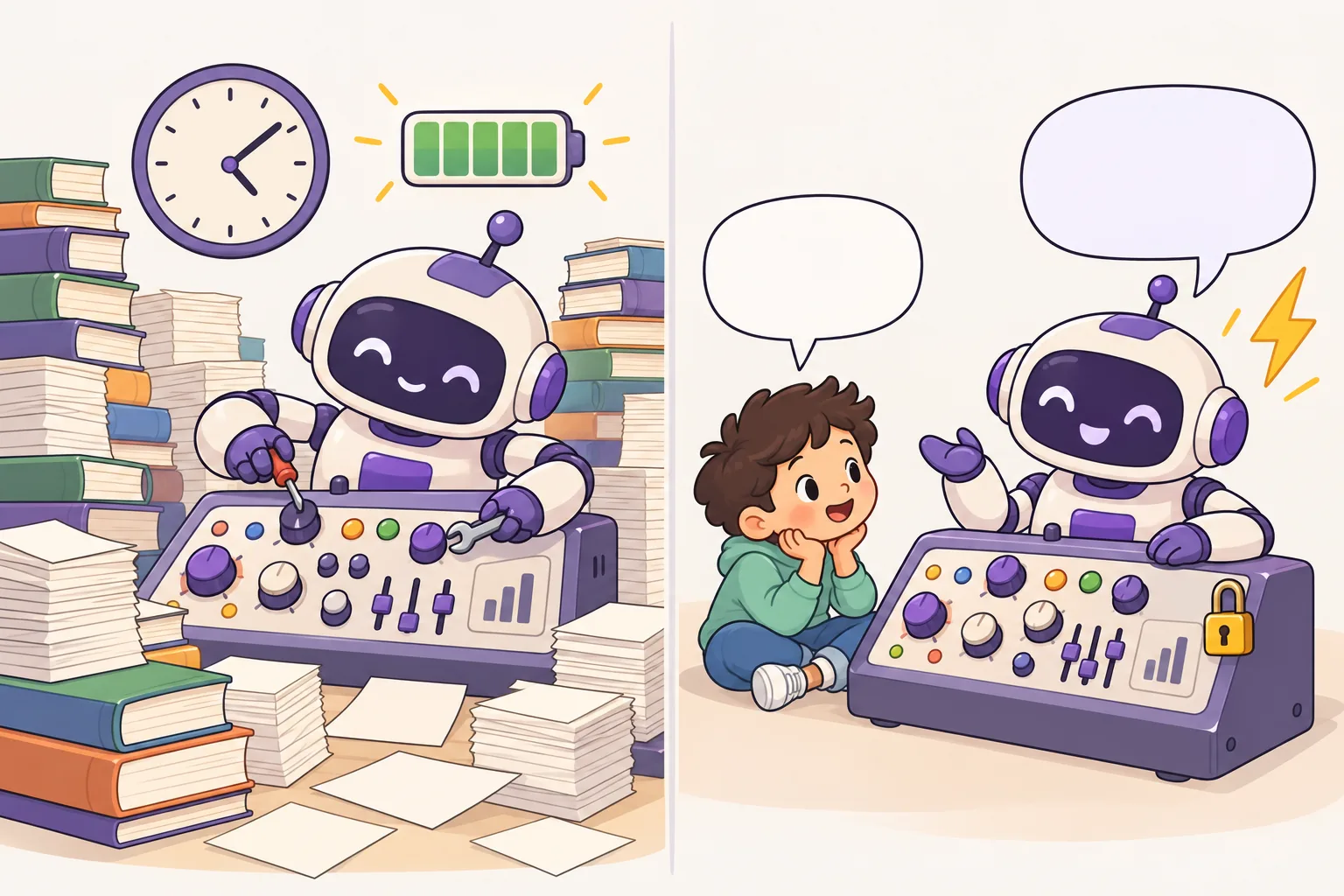 Advanced AI track
Required
Build training data, train a small model yourself, and evaluate the result. This is where people who use AI and people who build it part ways.
Start
Advanced AI track
Required
Build training data, train a small model yourself, and evaluate the result. This is where people who use AI and people who build it part ways.
Start

-
9
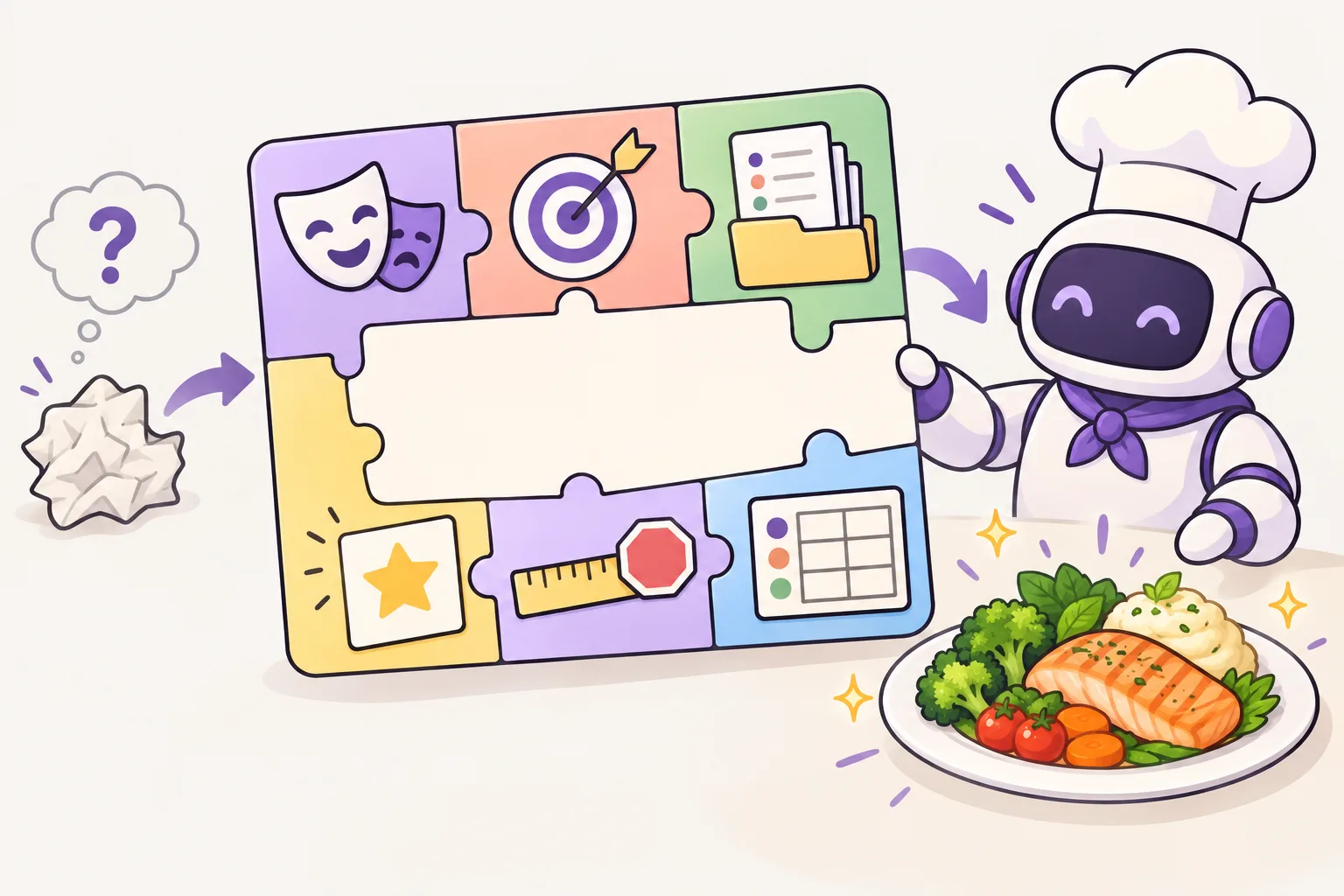 Prompt engineering
Required
Chapter 9 of the AI course shows how instructions, sampling and checking fit together. Write a prompt with a goal, context, limits and an output format, and run it a few times with Lyen. Then compare: what stays the same, what changes, and what you still have to check yourself.
Context — a model reads only a set length at a time. When a chat gets long, the app cuts or summarizes the earlier part, and details can drop out. Repeat important conditions.
Sampling — the model picks each next token by probability, so the same prompt can give a different answer each time. A lower temperature (the setting for how evenly answers are drawn) makes answers more alike, but alike is not the same as correct.
Checking — check facts against another source and run the code yourself. Write down only conclusions you have checked.
Start
Prompt engineering
Required
Chapter 9 of the AI course shows how instructions, sampling and checking fit together. Write a prompt with a goal, context, limits and an output format, and run it a few times with Lyen. Then compare: what stays the same, what changes, and what you still have to check yourself.
Context — a model reads only a set length at a time. When a chat gets long, the app cuts or summarizes the earlier part, and details can drop out. Repeat important conditions.
Sampling — the model picks each next token by probability, so the same prompt can give a different answer each time. A lower temperature (the setting for how evenly answers are drawn) makes answers more alike, but alike is not the same as correct.
Checking — check facts against another source and run the code yourself. Write down only conclusions you have checked.
Start
-
10
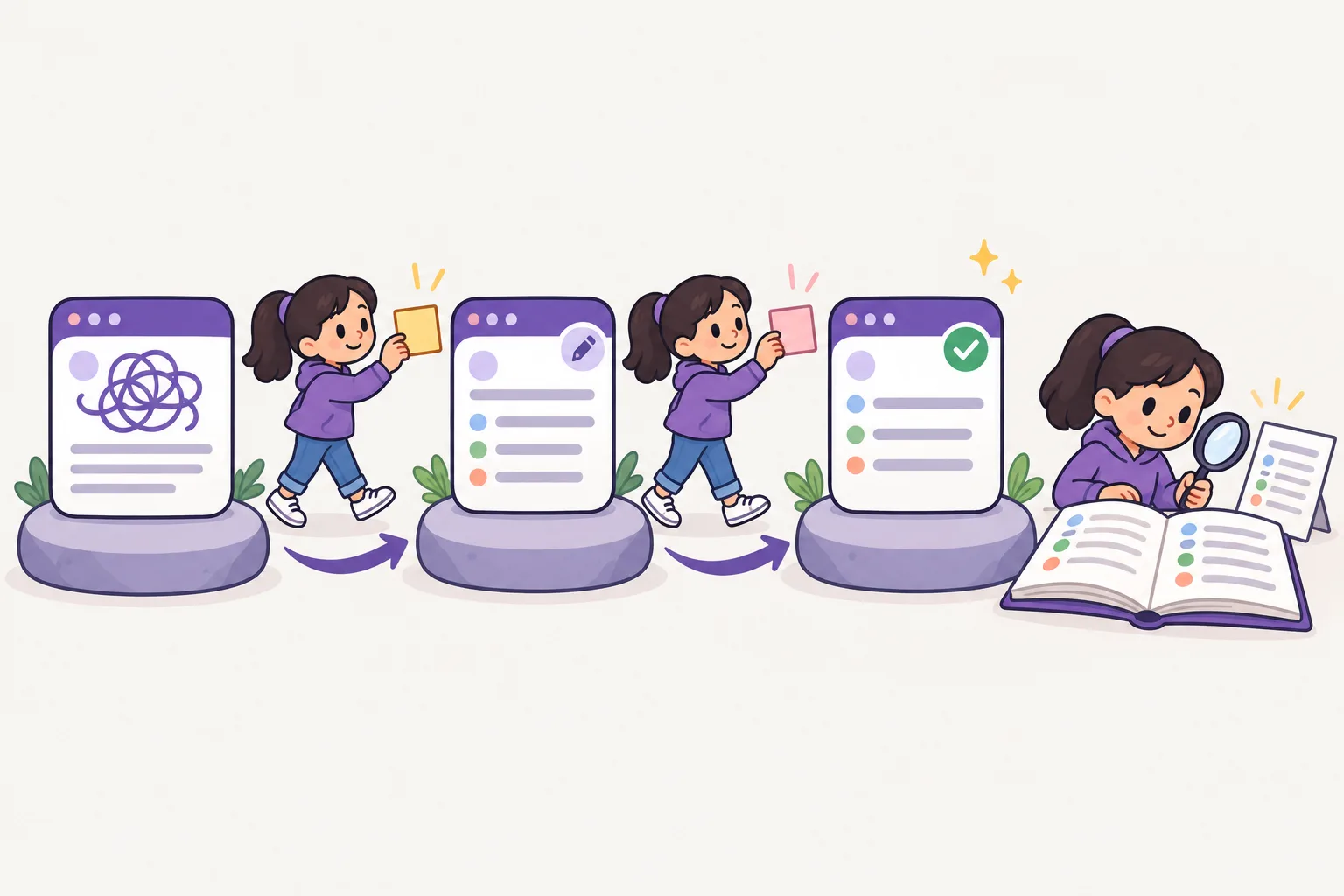 Working with AI
Required
On the job, conversation quality is throughput. Pasting a whole error log is slower than giving the reproduction steps and the expected behavior alongside it. Practice that habit with your Lyen learning buddy.
Start
Working with AI
Required
On the job, conversation quality is throughput. Pasting a whole error log is slower than giving the reproduction steps and the expected behavior alongside it. Practice that habit with your Lyen learning buddy.
Start
-
11
 Agent Skill
Optional
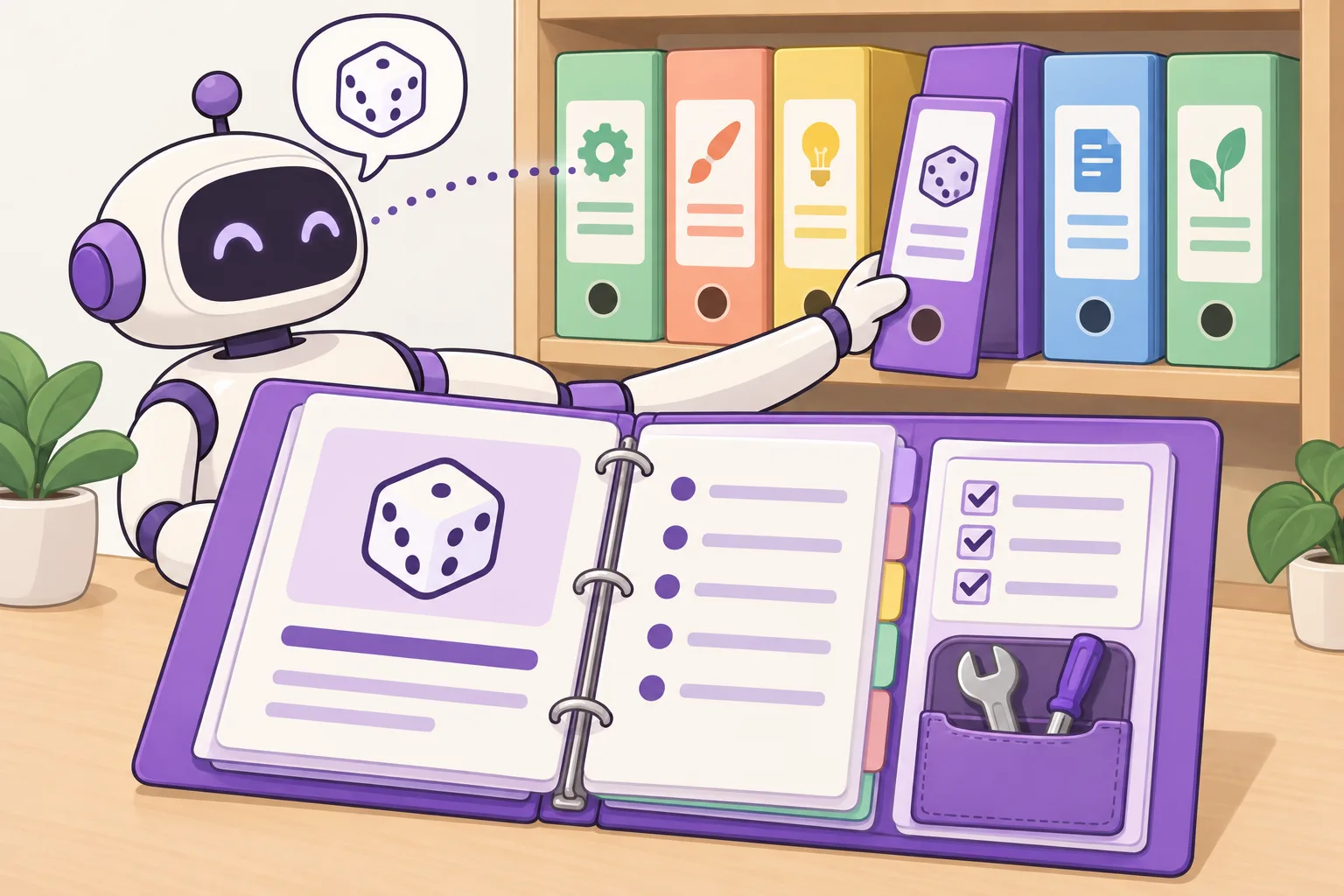
Optional. If you often give an AI agent the same kind of task, write the steps down once as a skill — a folder with a SKILL.md instruction file. The Agent Skills page explains everything and walks you through your first one.
Start
Agent Skill
Optional
Optional. If you often give an AI agent the same kind of task, write the steps down once as a skill — a folder with a SKILL.md instruction file. The Agent Skills page explains everything and walks you through your first one.
Start

-
12
 Vibe coding
Required
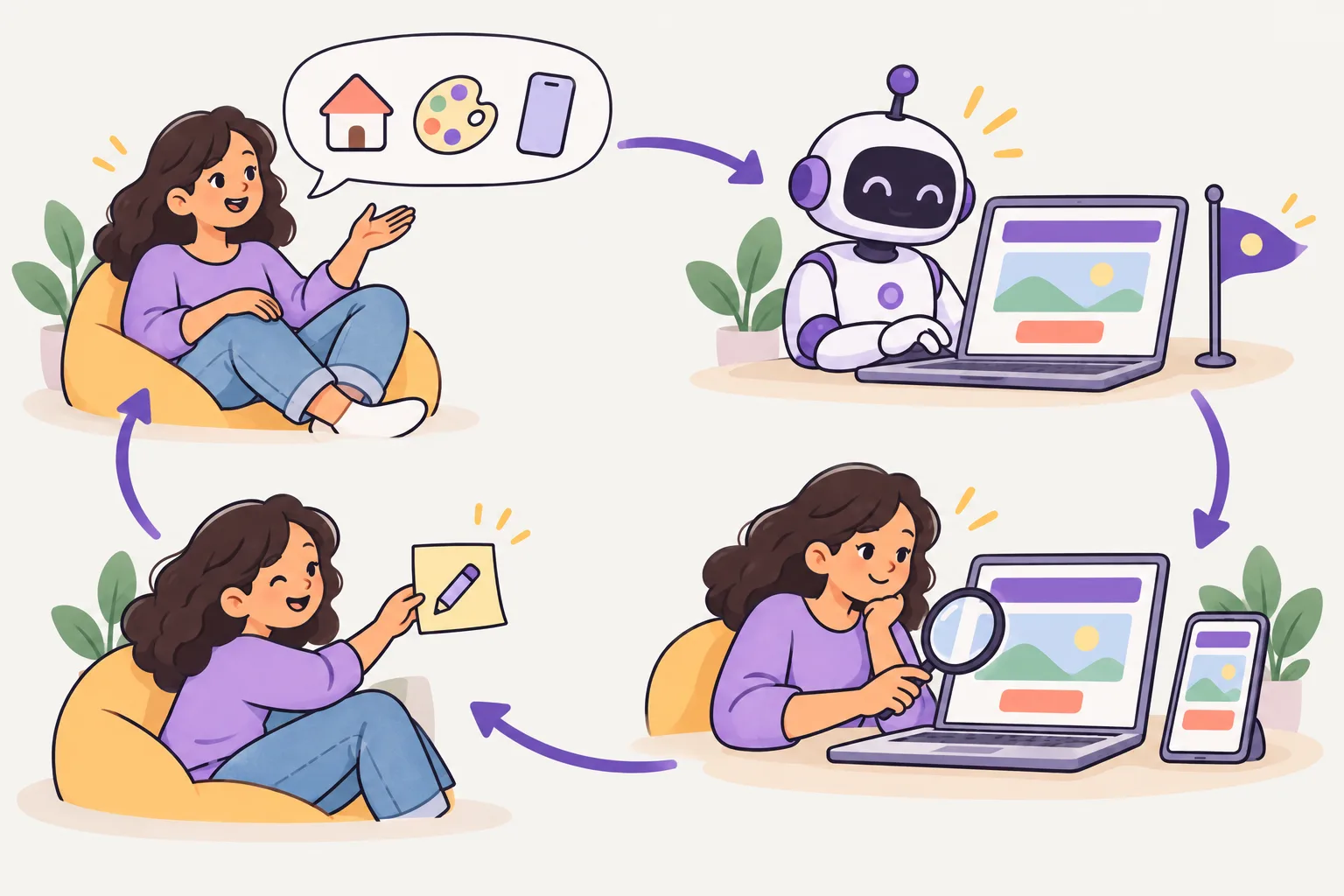
The last step. Describe what you want in plain words and the AI writes the code. Then you use everything above — run it in the terminal, read the diff, commit what works and undo what doesn't. Vibe coding goes fastest for people who can check the result.
Start
Vibe coding
Required
The last step. Describe what you want in plain words and the AI writes the code. Then you use everything above — run it in the terminal, read the diff, commit what works and undo what doesn't. Vibe coding goes fastest for people who can check the result.
Start
Tips that make it easier
- Don't skip the terminal and the shell. Most AI tooling runs on top of them.
- Use a command on real work the same day you learn it. Commands you don't use are gone by next week.
- Read what an AI-suggested command actually does before you run it. Deletions don't come back.
Other guides
Loading…
Loading…
Choose a pending booking to cancel. Each cancellation requires confirmation.
Your :